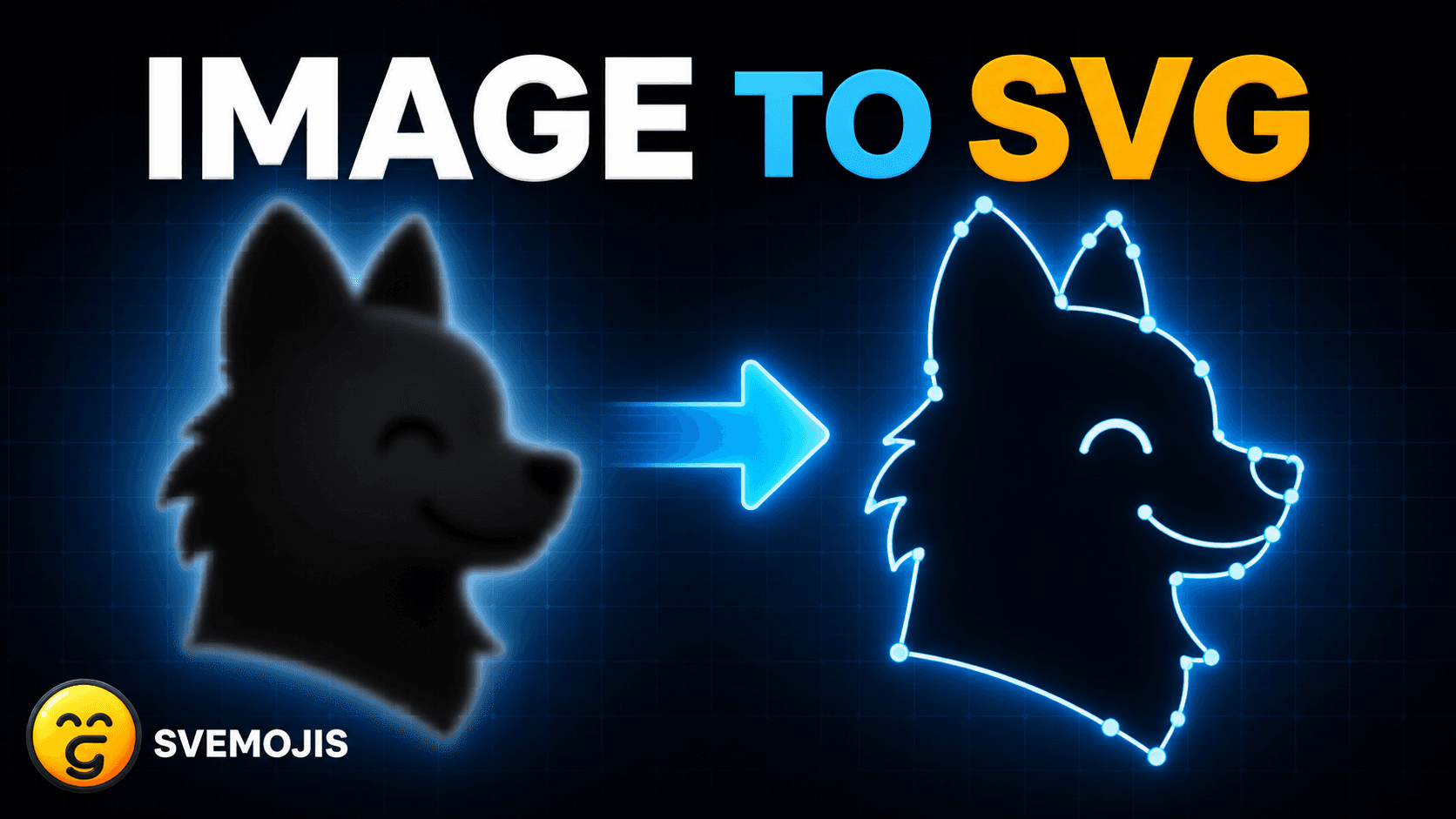
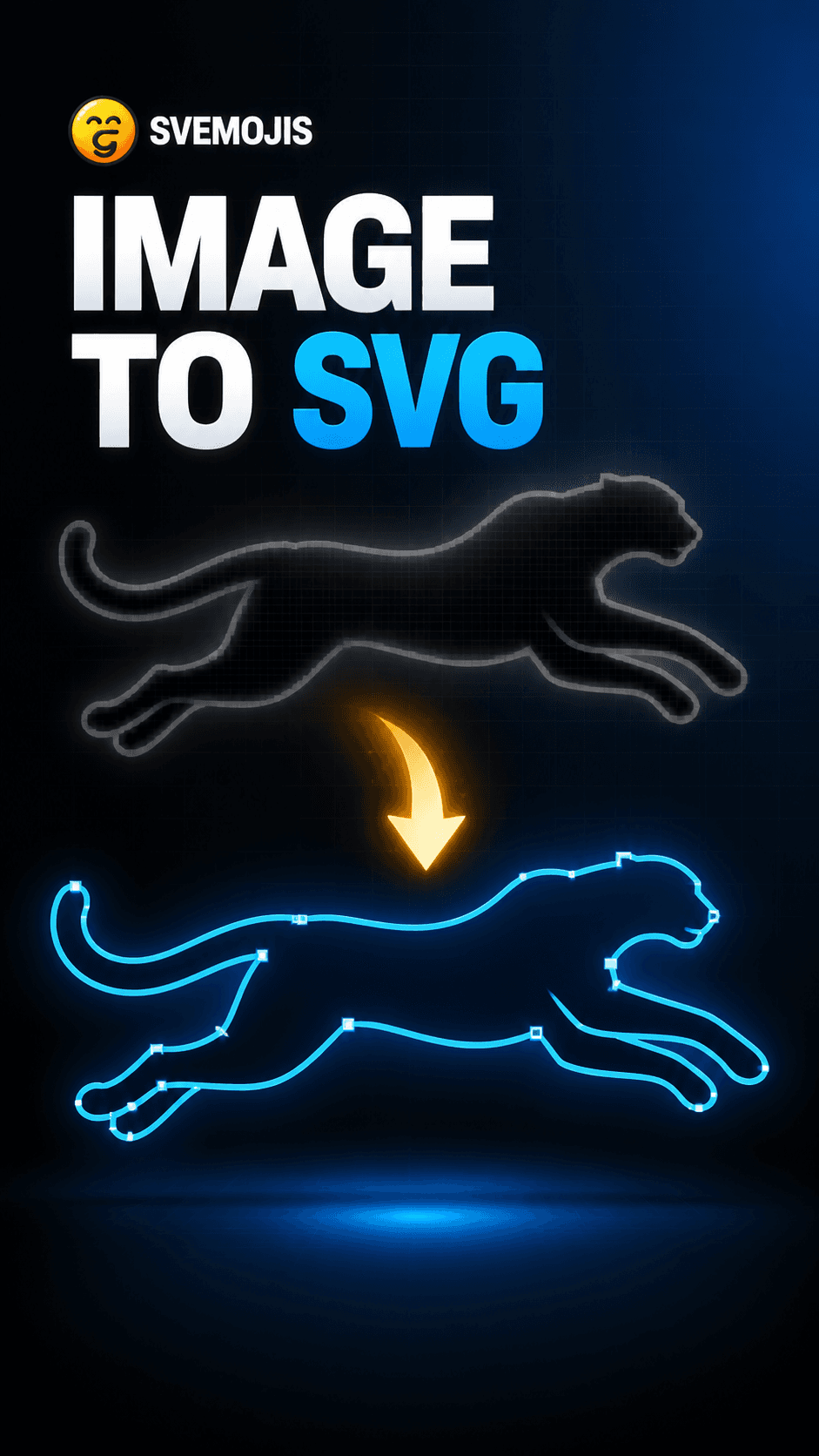
Silhouette image to SVG
Trace a raster silhouette into clean vector paths that you can reshape, recolor, and animate.
Learn the Svemojis editor one feature at a time. Choose a full YouTube walkthrough or a quick TikTok version, then open the editor and recreate the effect with your own artwork.
The lessons cover drawing, editing, animation, recorded paths, pose swapping, and raster-to-vector workflows. No account or installation is required.
Turn raster art into clean vector paths, then select and edit individual lines directly.
Trace a raster silhouette into clean vector paths that you can reshape, recolor, and animate.
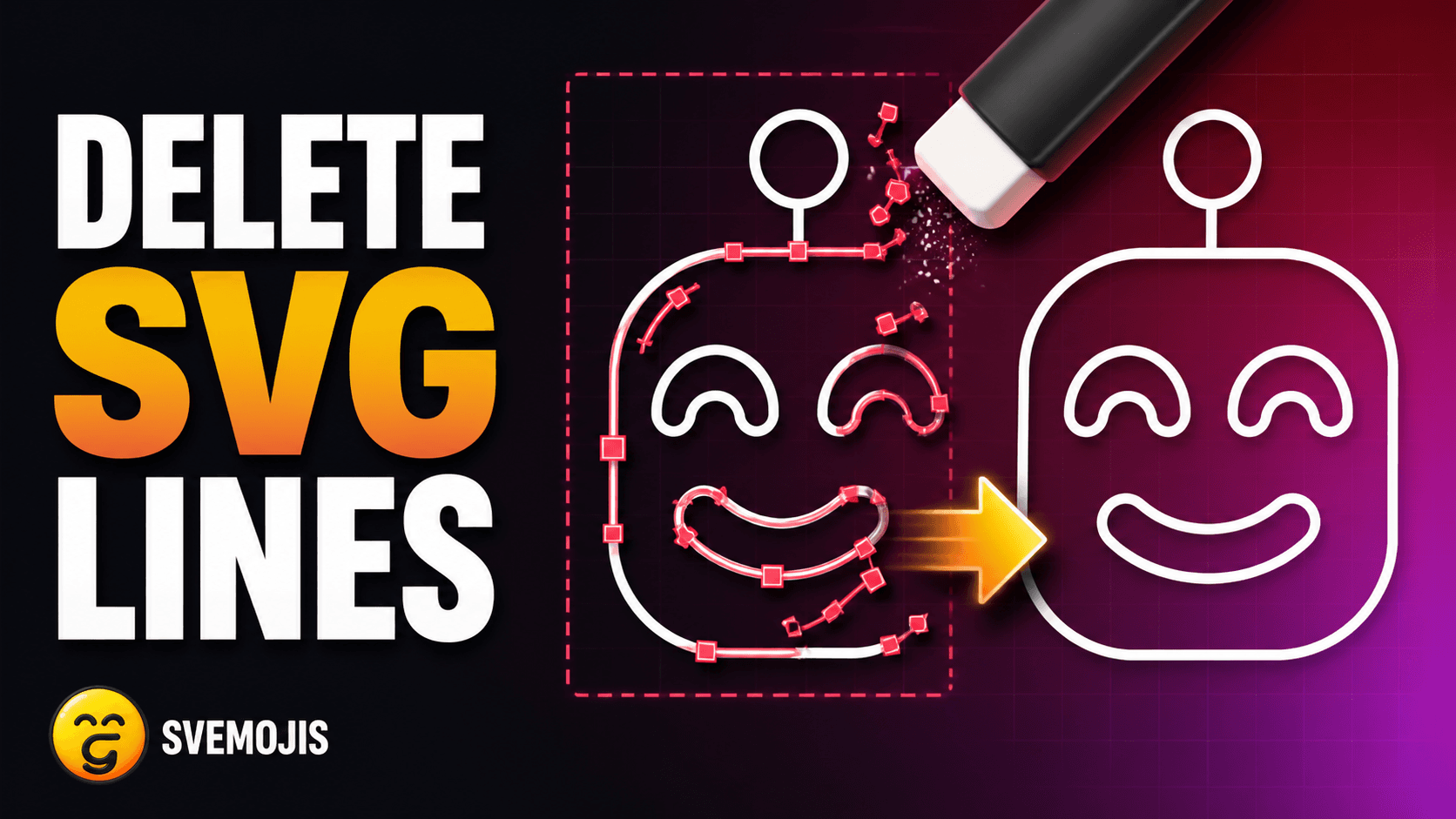
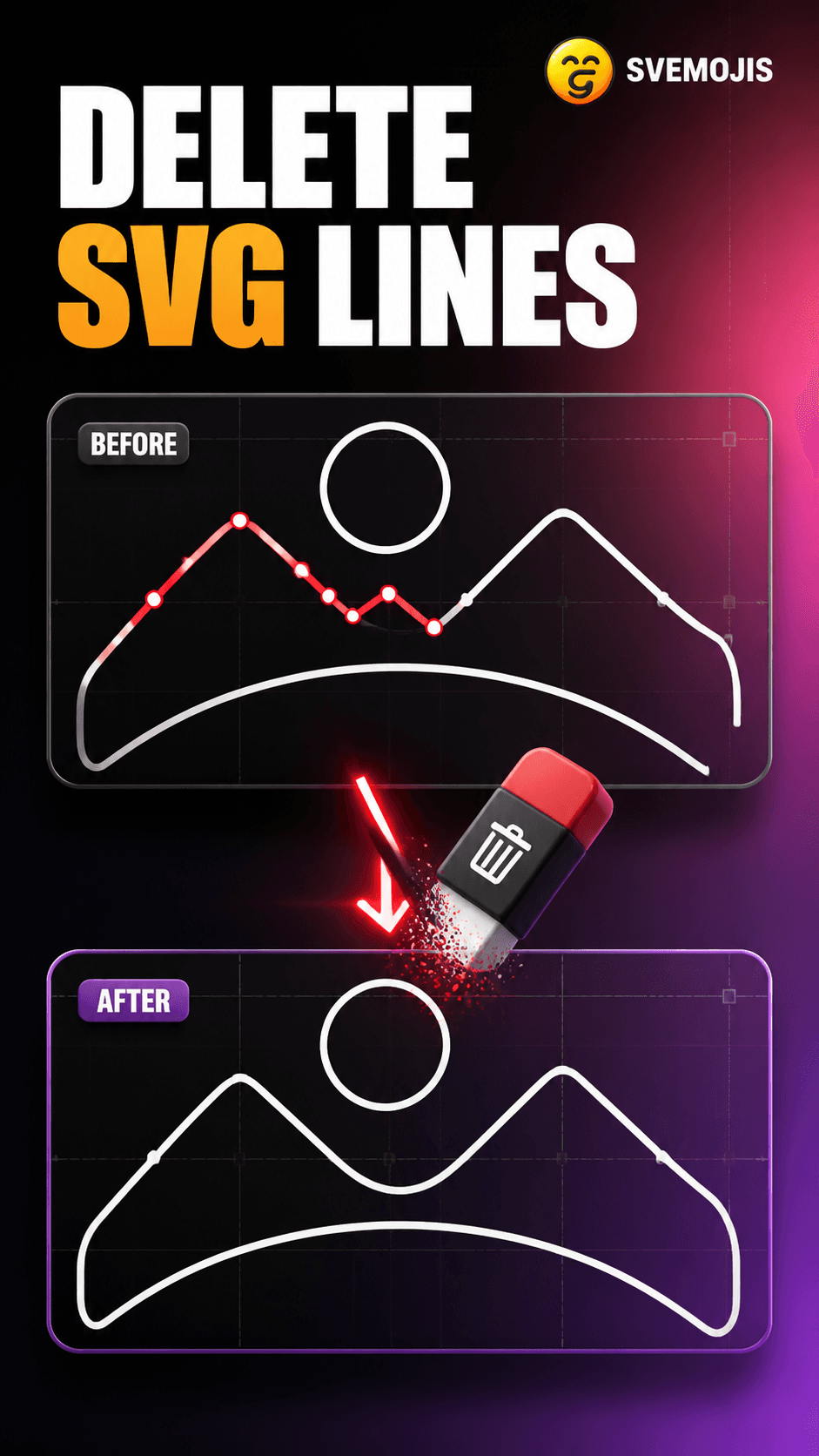
Select and remove individual lines while keeping the rest of your vector artwork intact.
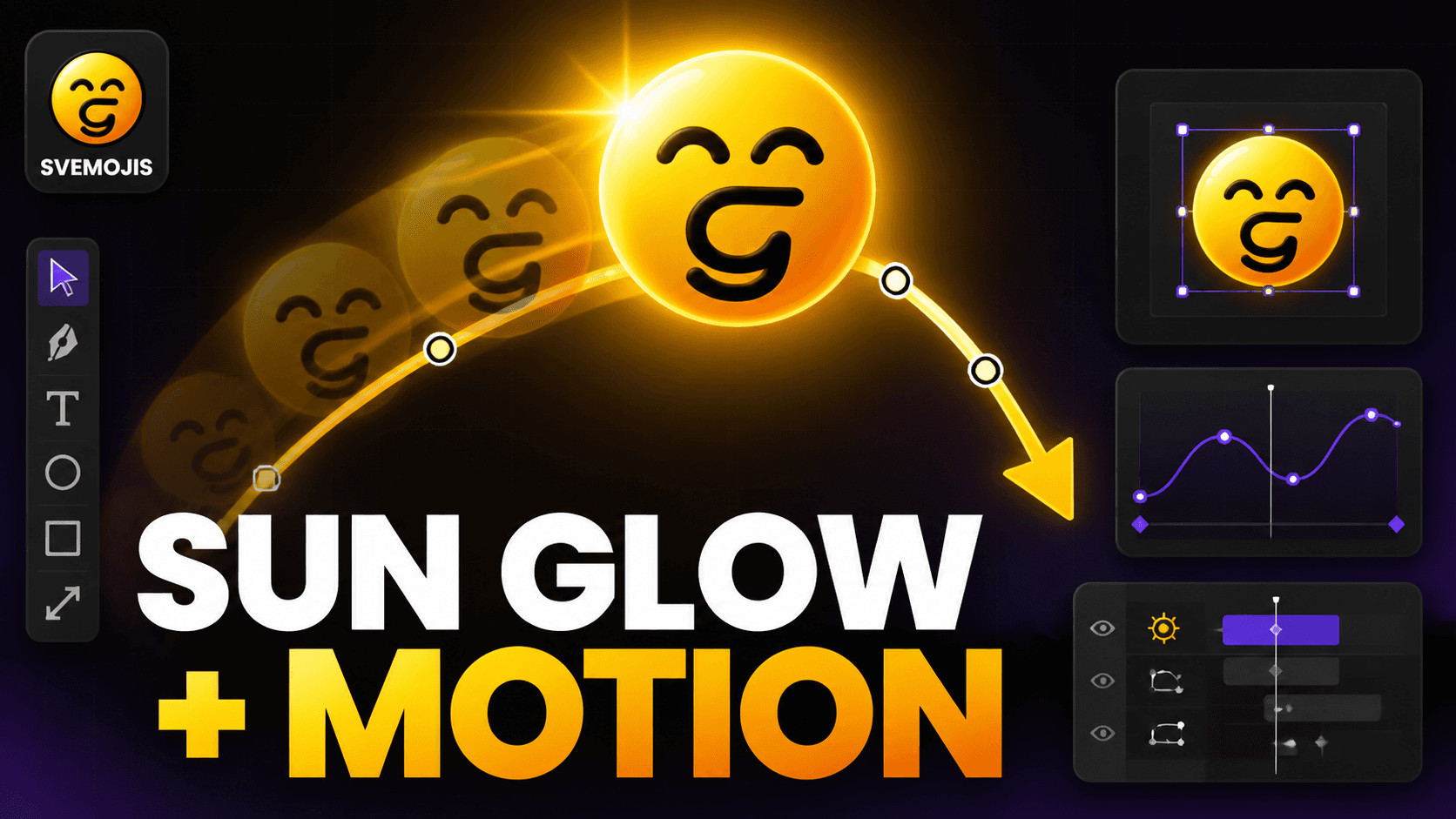
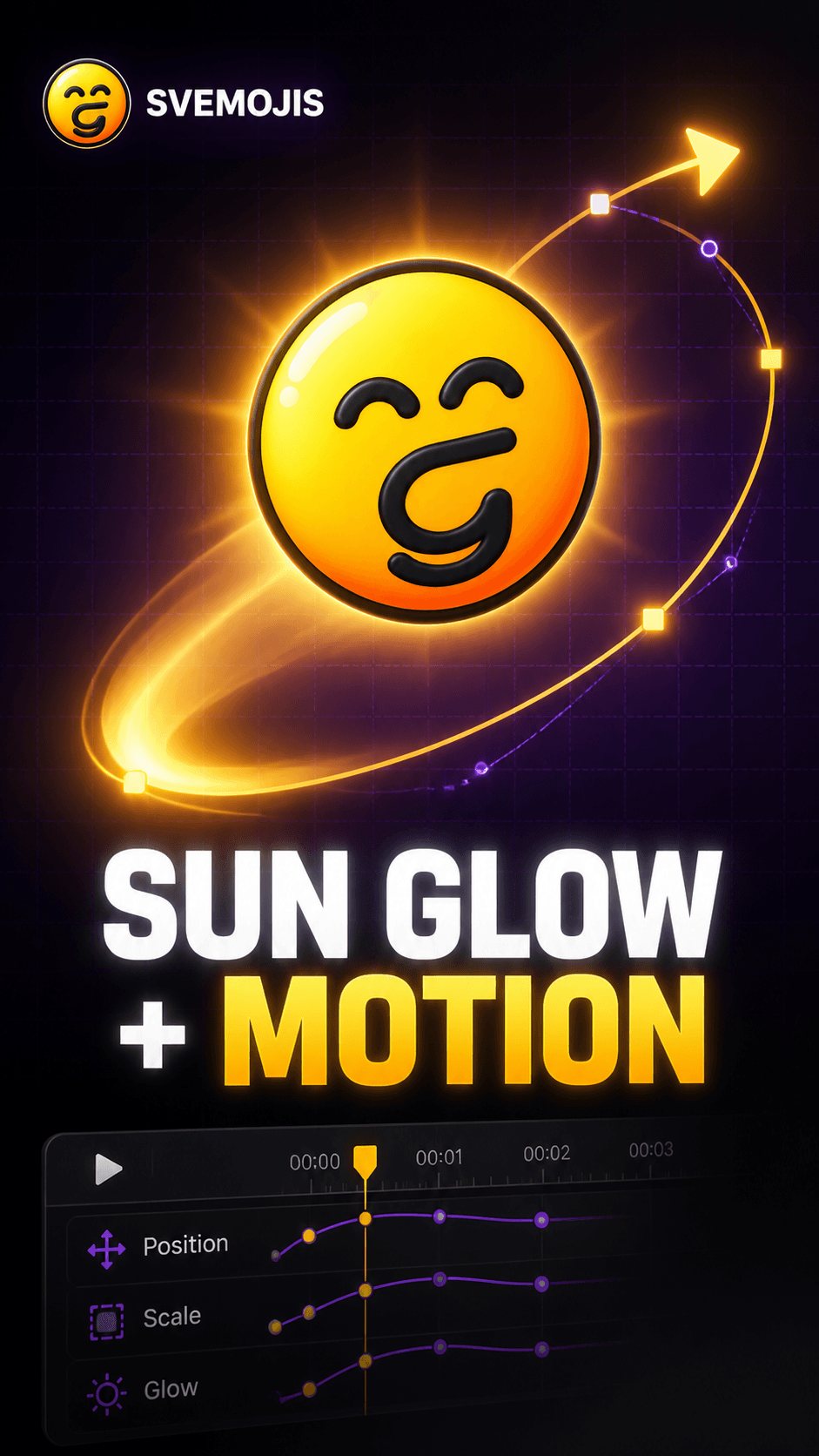
Record and edit motion paths, and layer in live effects like glow that travel with the artwork.
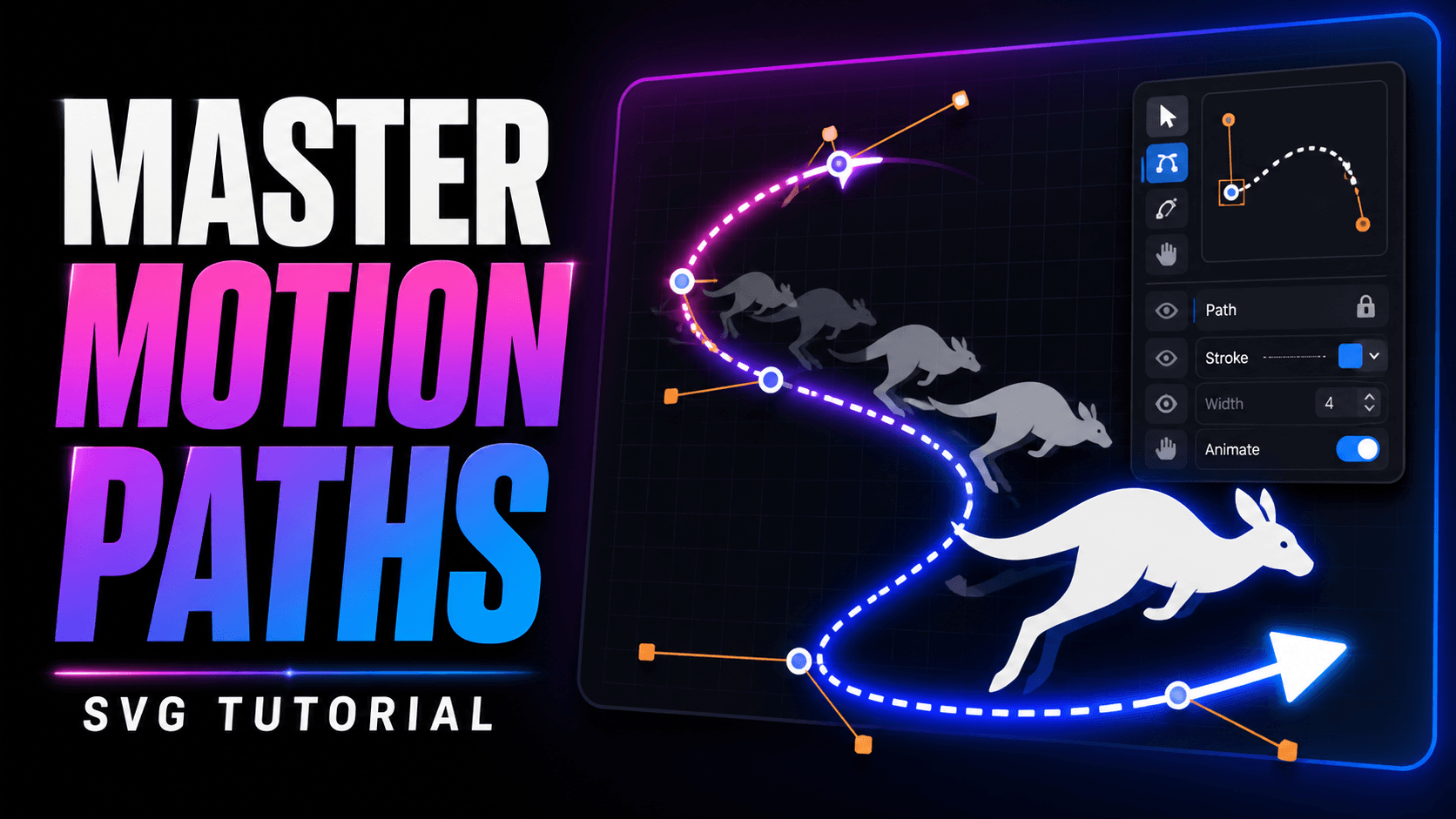
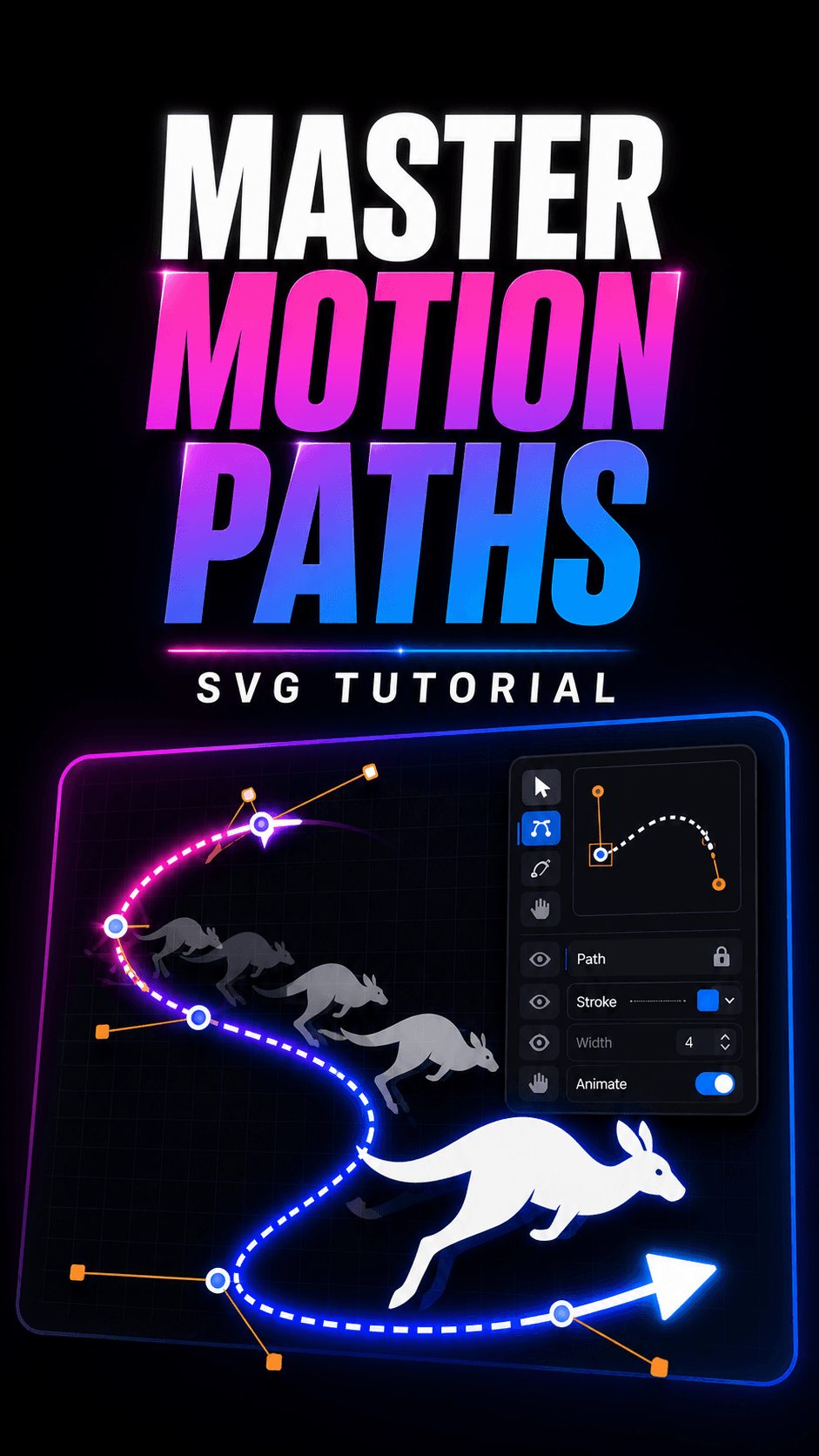
Build and edit motion paths, keep artwork aligned to its route, and replay the finished SVG movement.
Add a live glow, select multiple SVG shapes, and record a synchronized motion path.
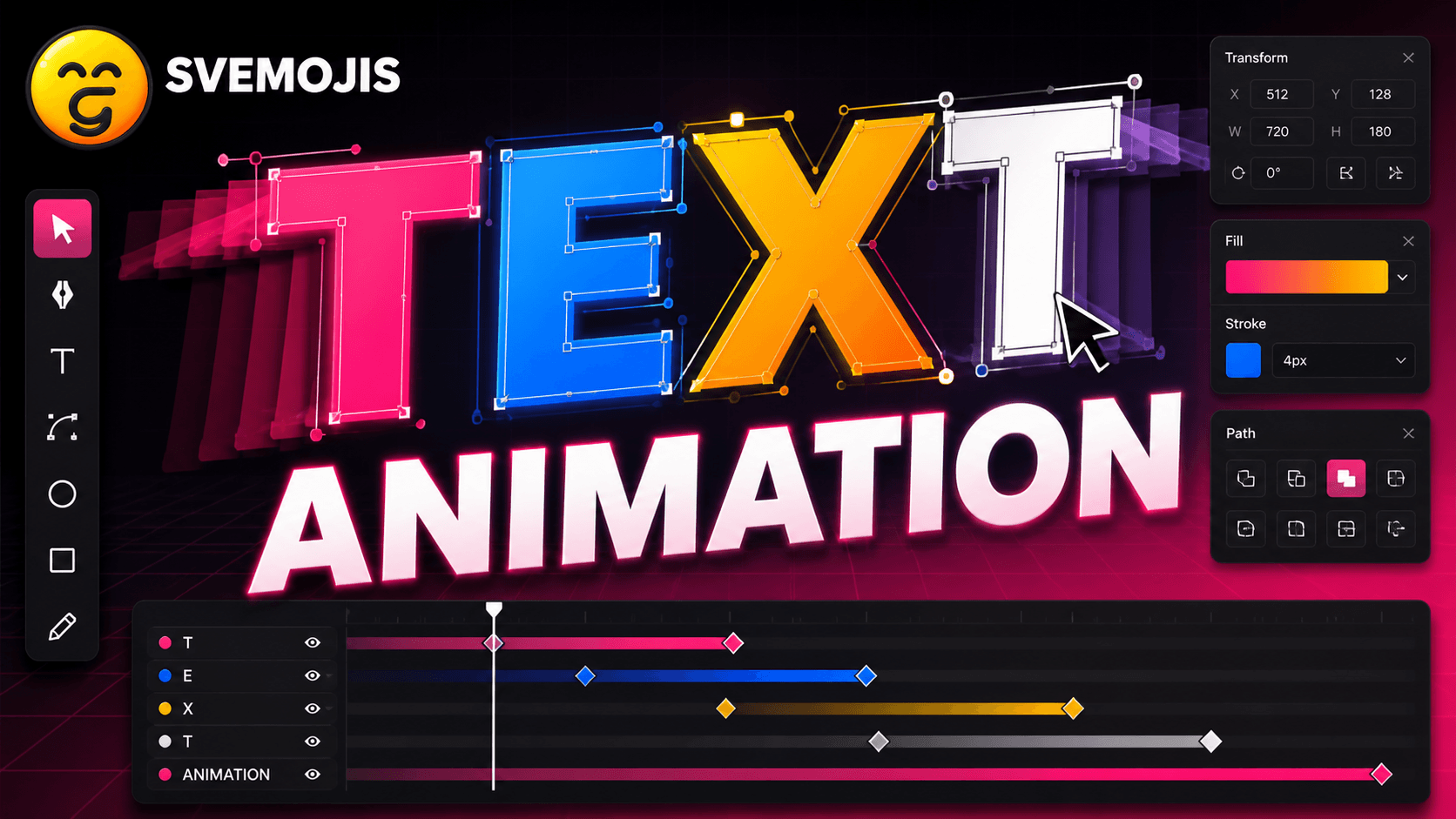
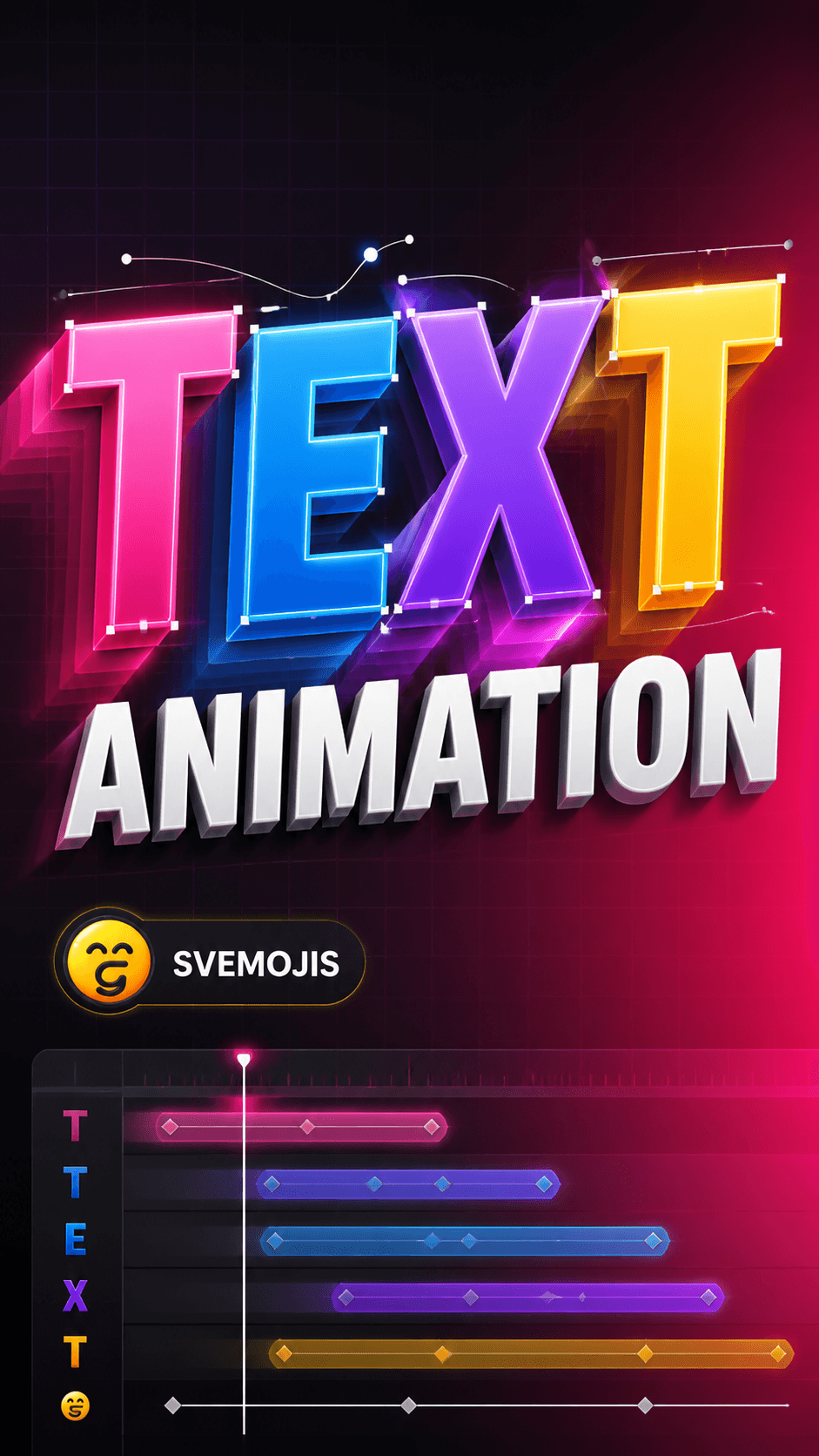
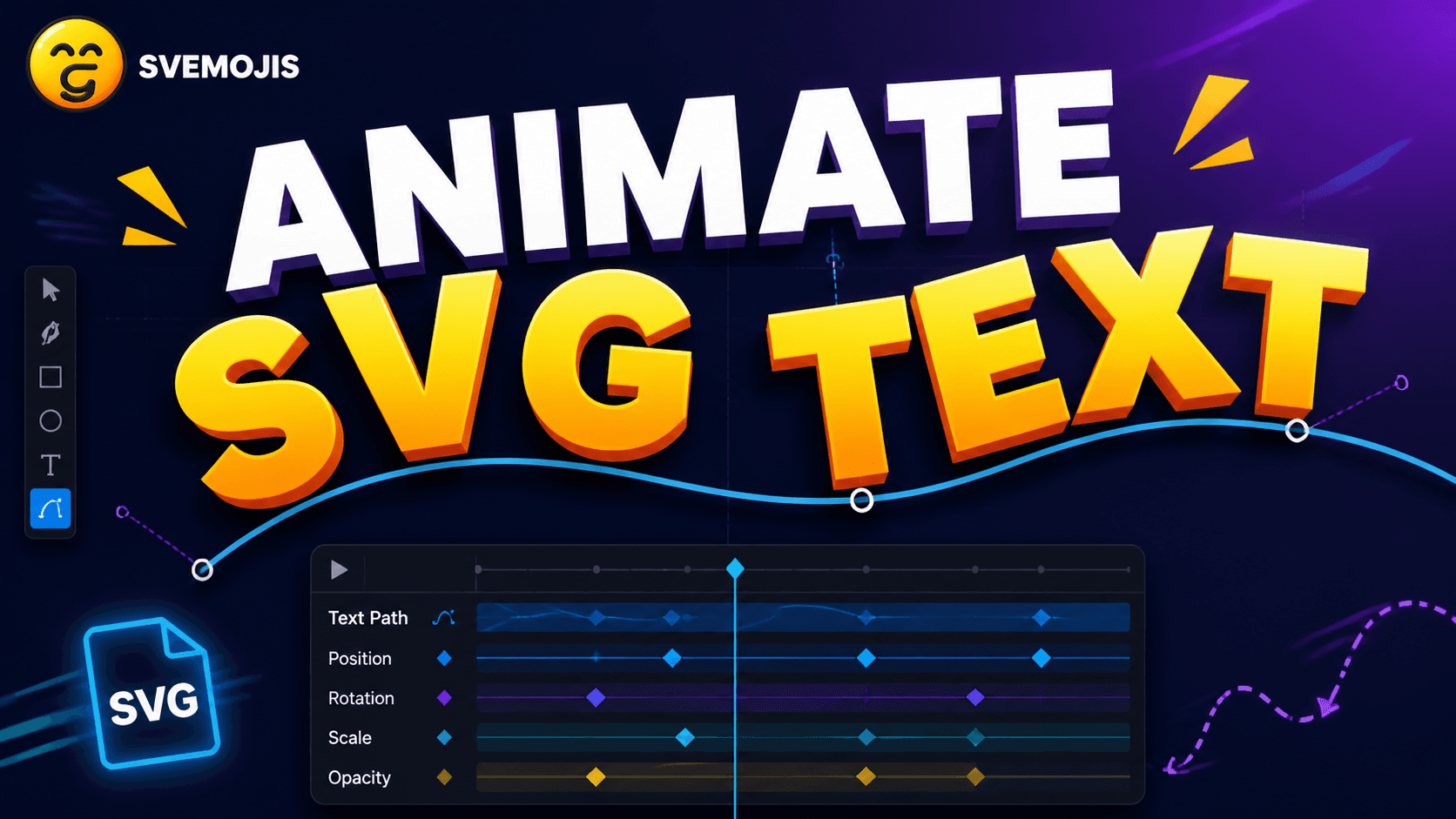
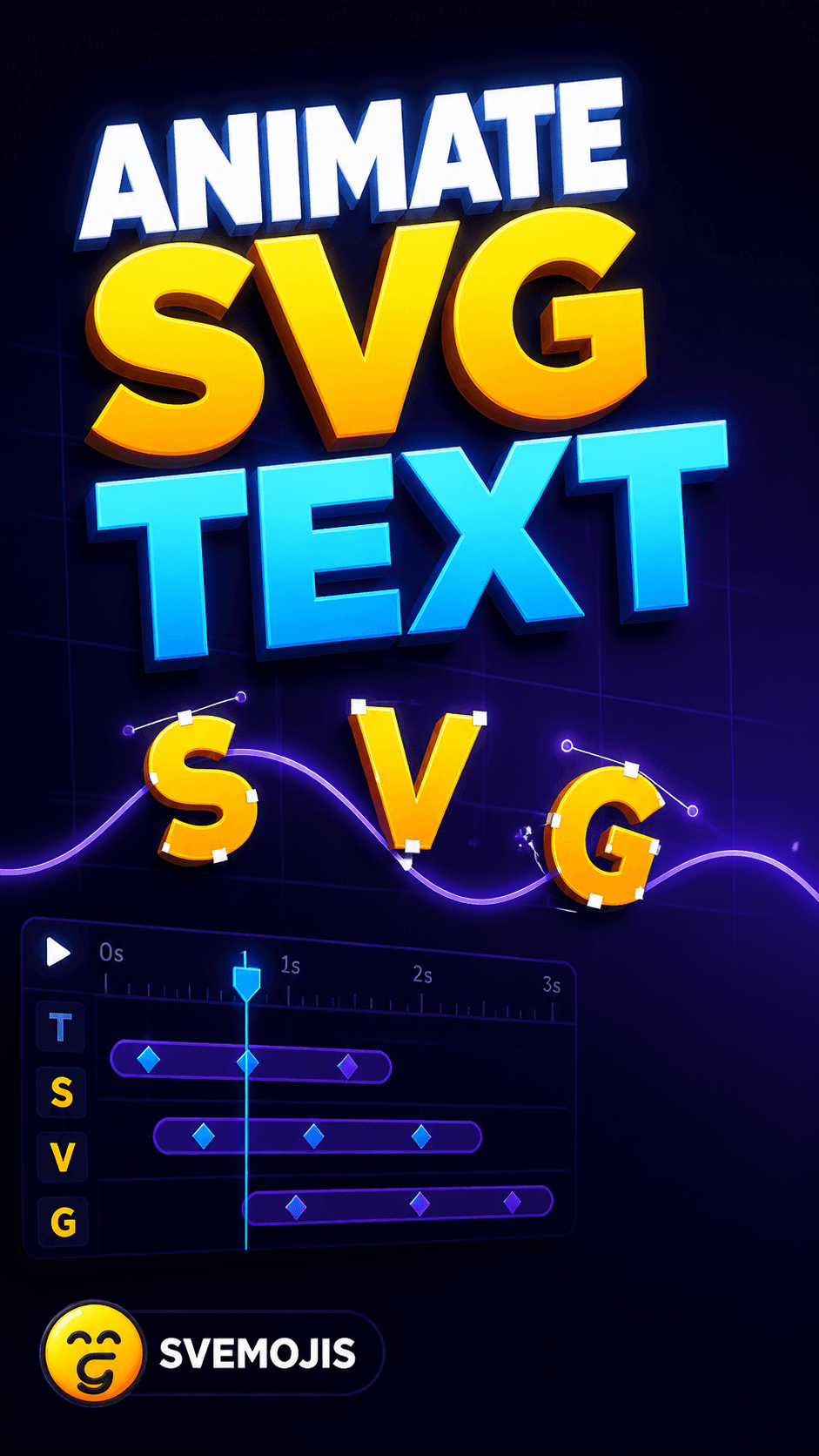
Turn typed text into editable vector letters and animate them letter by letter.
Turn typed text into editable vector letters, then build a detailed letter-by-letter animation.
Create an approachable animated text effect with vector paths, movement, and timing controls.
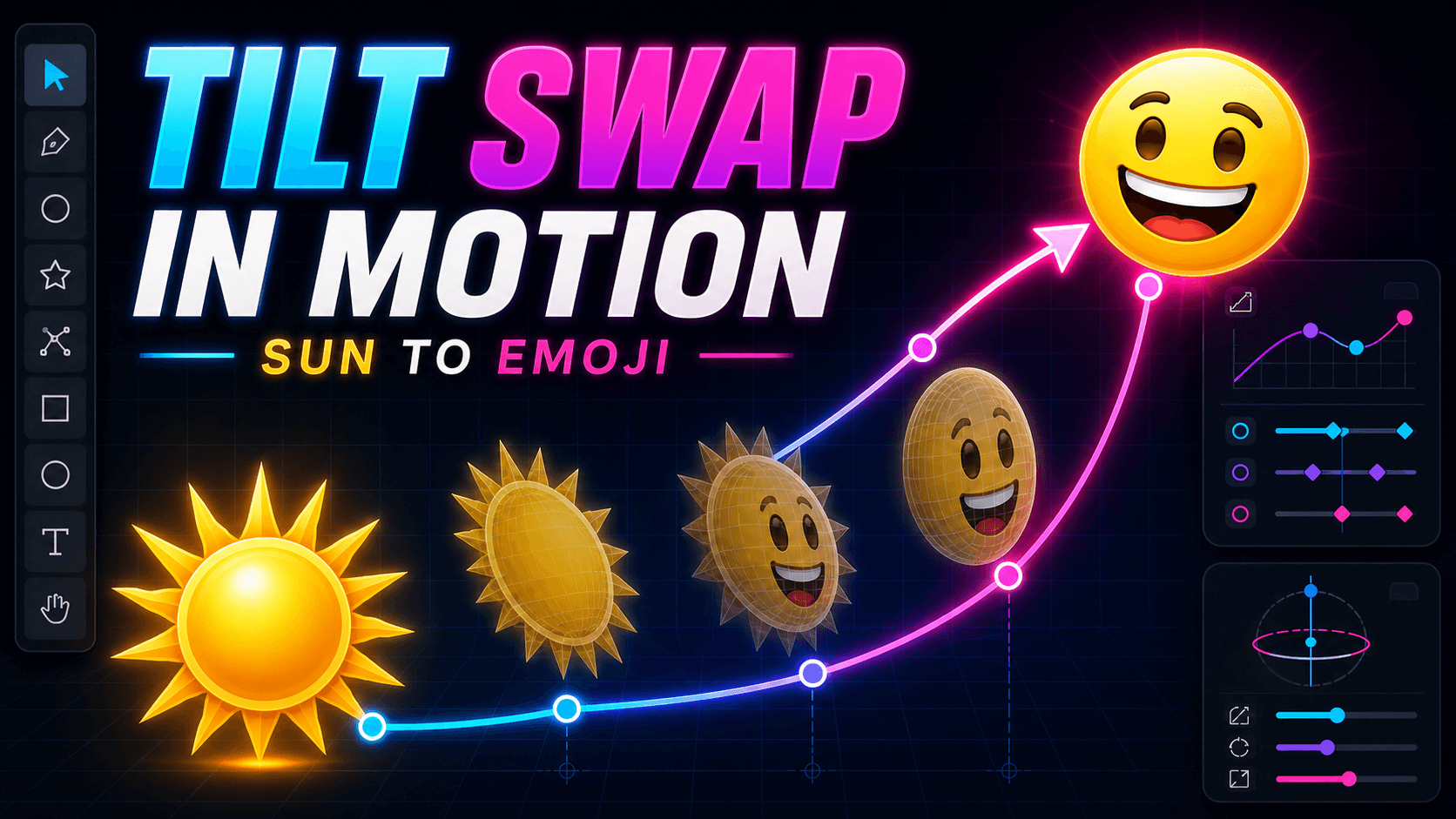
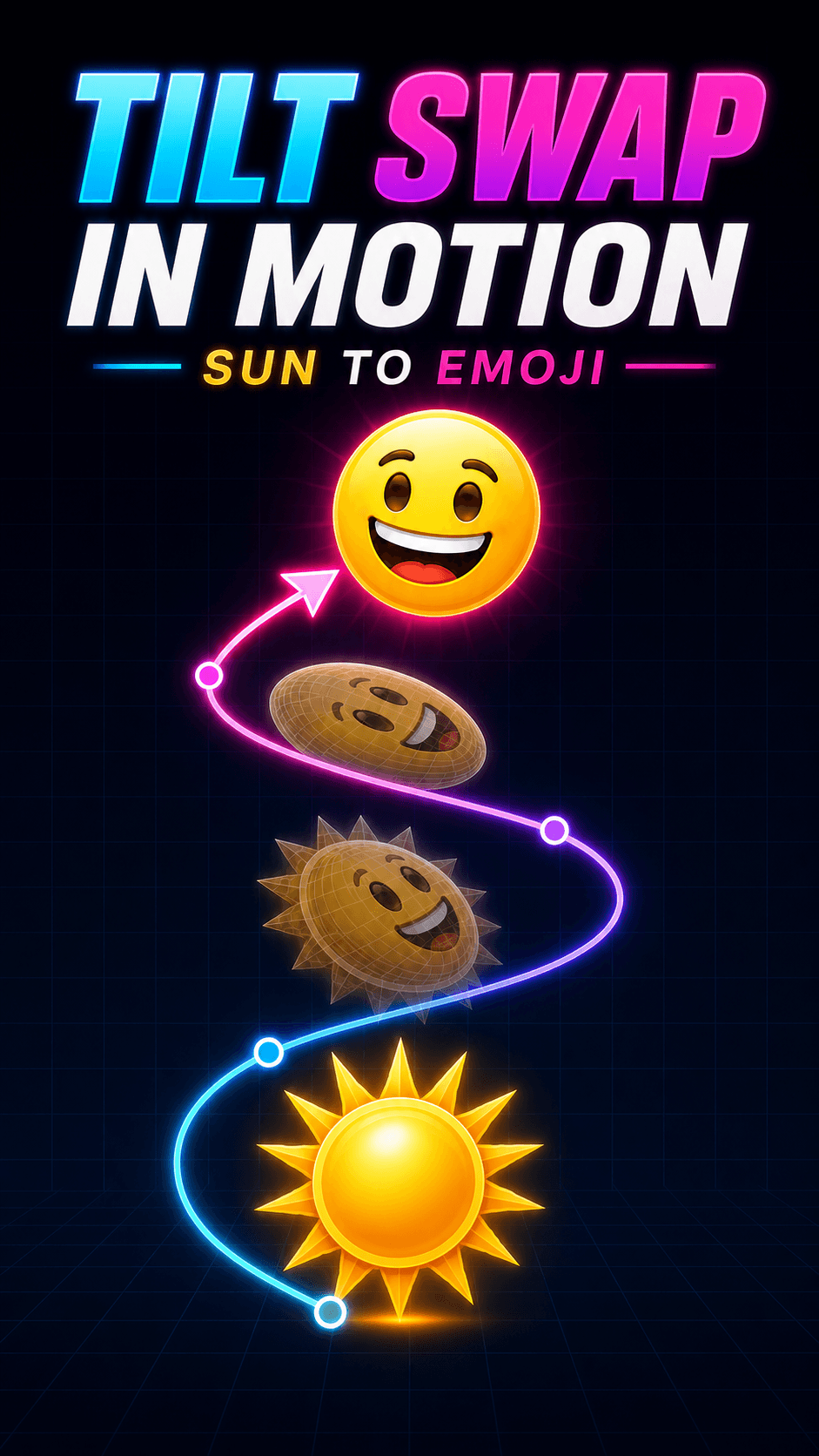
Swap complete artwork poses on an axis while it moves, for advanced multi-layer animation.
Combine pose layers, Y-axis tilt swapping, and recorded movement so artwork changes while it travels.
We use cookies for analytics and, when enabled, advertising. Accept to allow these services, or decline to opt out. Privacy Policy